
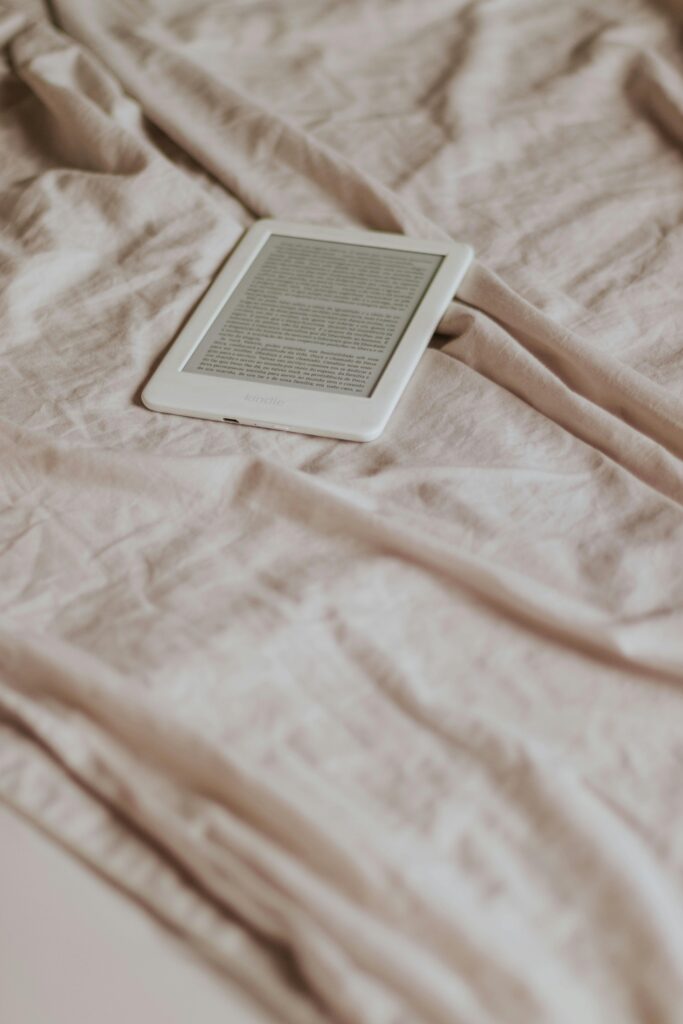
If you are here, you are probably someone who still enjoys a good reading session but feels overwhelmed by the number of devices and screens surrounding us. The big question many people ask in 2026 is: Do I really need to spend more than $100 on a device that only serves one purpose — reading books?
The short answer is that the Kindle Paperwhite is not just a device; it is an investment in your patience and consistency as a reader. In a world full of digital distractions promising instant gratification but leaving you empty, the Paperwhite remains the ultimate refuge for those looking to build a solid long-term reading habit.
Technical Specifications (2026 Generation vs. Previous)
To understand whether it is worth it, we first need to see what we are actually buying.
| Feature | Kindle Paperwhite (Current Edition) | Basic Kindle (2024/25) |
|---|---|---|
| Screen | 6.8″ E-Ink Carta 1200 (300 ppi) | 6.0″ E-Ink (300 ppi) |
| Built-in Light | 17 LEDs (Adjustable warm light) | 4 LEDs (White light only) |
| Water Resistance | IPX8 (Up to 2 meters) | No certification |
| Battery Life | Up to 10 weeks | Up to 6 weeks |
| Charging | USB-C (Fast charging) | USB-C |
| Estimated 2026 Price | $149 – $169 | $99 – $109 |
The Truth About the “Investment” in an eReader
Unlike a smartphone or tablet, which become obsolete after a few years, a Kindle is a medium-to-long-term project. Most people fail in their attempt to read more because they compare themselves to “advanced readers” on social media or try to read on their phone screens, where notifications constantly break their focus.
1. The myth of eye strain
The Paperwhite screen does not emit light directly into your eyes, but toward the screen surface itself. This eliminates the glare that causes eye fatigue. During my 6-month test, I went from reading 10 minutes at a time to comfortably maintaining 1-hour sessions without eye irritation. If your goal is eye comfort, this is one area where shortcuts do not exist.
2. Adjustable warm light: The game changer
This is the feature that truly justifies the extra price compared to the basic model. Being able to warm up the screen tone at night helps your brain understand that it is time to sleep. It is not magic — it is proper sleep hygiene.
Why do most people stop using their Kindle after one month?
Just like people trying to make money online without immediate results, many Kindle buyers fall into the same abandonment cycle:
- They buy the Kindle highly motivated.
- They try to read dense or boring books to “learn faster.”
- They do not see immediate results or do not “feel” progress.
- They return to their phone or television.
The problem is not the device — it is the mindset. For the Kindle Paperwhite to truly be worth it, you need a simple method: read 10 pages per day without searching for the perfect book, simply staying consistent.
Cost per Use Analysis: Is it profitable?
If we analyze the Kindle as a money-saving tool, reality looks very different from what most people expect:
- Digital Books vs. Physical Books: On average, eBooks cost between 40% and 60% less than physical editions.
- Kindle Unlimited: With a monthly subscription, you gain access to thousands of titles. If you read two books per month, the device practically pays for itself in under a year (around 10-12 months).
- Durability: A well-maintained Kindle can easily last 6-7 years. The monthly cost of ownership eventually becomes just a few cents.
Building the habit: Real usage tips
To avoid leaving your Kindle forgotten inside a drawer (the fate of many projects without consistency), follow these realistic steps:
- Do not compare yourself: It does not matter if others read 50 books per year. What matters is that you read more than you did yesterday.
- Start simple: Download topics you genuinely enjoy, not books you feel you “should” read.
- Give it time: The first days may feel strange without the weight of paper, but if you survive the first month, the results will come.
Frequently Asked Questions (FAQ)
1. Is the Paperwhite better than the basic Kindle for reading in bed?
Absolutely yes. The warm light and higher number of LEDs make the experience far more relaxing for your nervous system before sleep.
2. Can it really get wet?
It has an IPX8 certification. You can read near the pool or in the bathtub without fear. It is resistant to accidental immersion, although drying it properly afterward is always recommended.
3. Do I need the 16GB or 32GB model?
For 99% of readers, 16GB is more than enough. Books take up very little space. You would only need more if you listen to many large audiobooks or read comics/manga.
4. Ads on the lock screen?
Amazon often sells a cheaper version “with ads.” These only appear when the device is locked. If you want a clean and distraction-free experience, paying the extra $10 to remove them is worth it.
Conclusion: Is the Kindle Paperwhite worth it in 2026?
The biggest lie in technology is believing that a new device will magically change your life. The Kindle Paperwhite will not turn you into a great reader overnight. However, it is one of the most solid tools you can have to build that path.
If you have the patience to dedicate time to it every day, and understand that reading is a process of constant learning and improvement, then yes — it is worth every euro.
Stop searching for hacks to read more and start with the simplest thing: a good device and a daily habit.
Other guides: